

Administration
Audit log
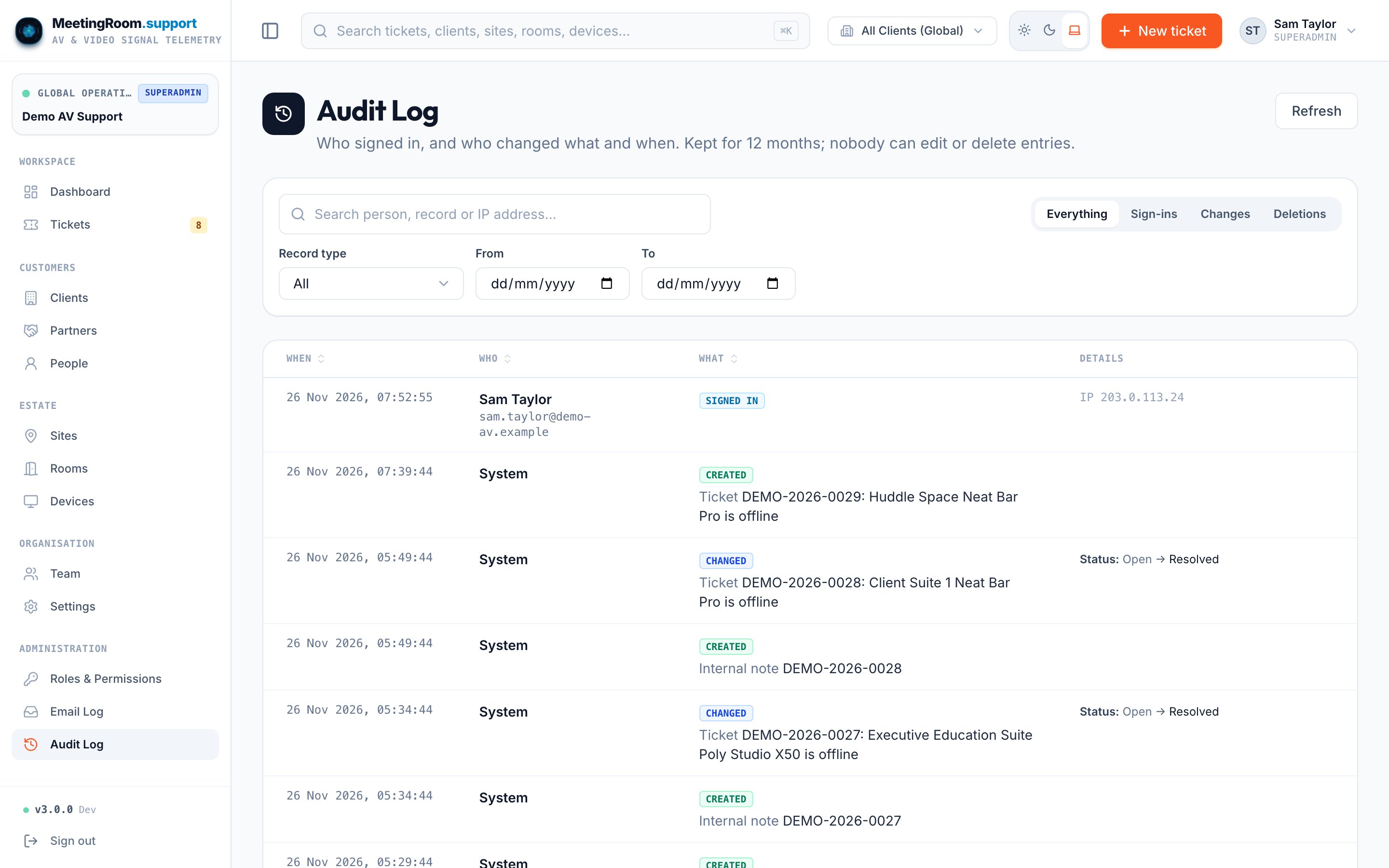
Who signed in, and who changed what and when.
Open Audit Log under Administration. You need View the audit log (Superadmins by default).

Every sign-in and sign-out, and every change to tickets, replies, notes, clients, partners, sites, rooms, devices, synced devices, users, roles, SLA policies, canned responses, site visits and organisation settings. Each entry shows when, who, what, and the before and after of each field, such as Status: Open → Resolved. Changes made by the portal itself, such as the device monitor raising a ticket, show as System.
Filter by Sign-ins, Changes or Deletions, by record type, and by date.
How long entries are kept depends on your plan: 30 days, 90 days or 12 months. Nobody, including Superadmins, can edit or delete them.


