

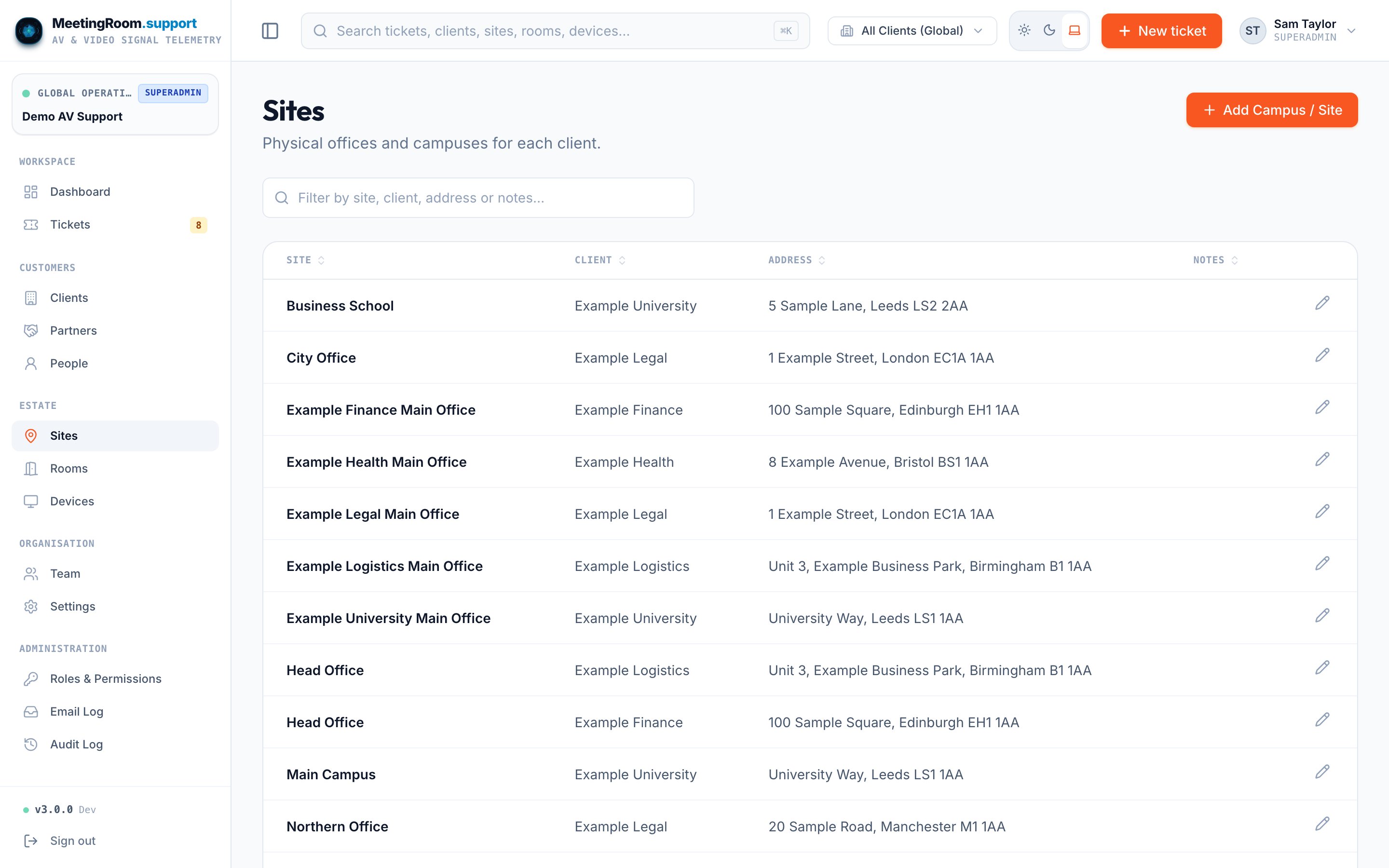
Adding a site
Select Add Campus / Site, choose the client, and enter the name and address. Start typing the address to look it up. Notes are for anything an engineer needs to know before a visit, such as parking or who holds the keys. A client’s head office address becomes a site by itself when the client is saved, so you don’t need to add that one. See Clients.Contract
Most sites follow their client’s contract. When one doesn’t, open the Contract section of the site’s form. Closed, it sums up what the site follows, such as Standard SLA (client’s) · renews 29 Dec (client’s) · no included visits.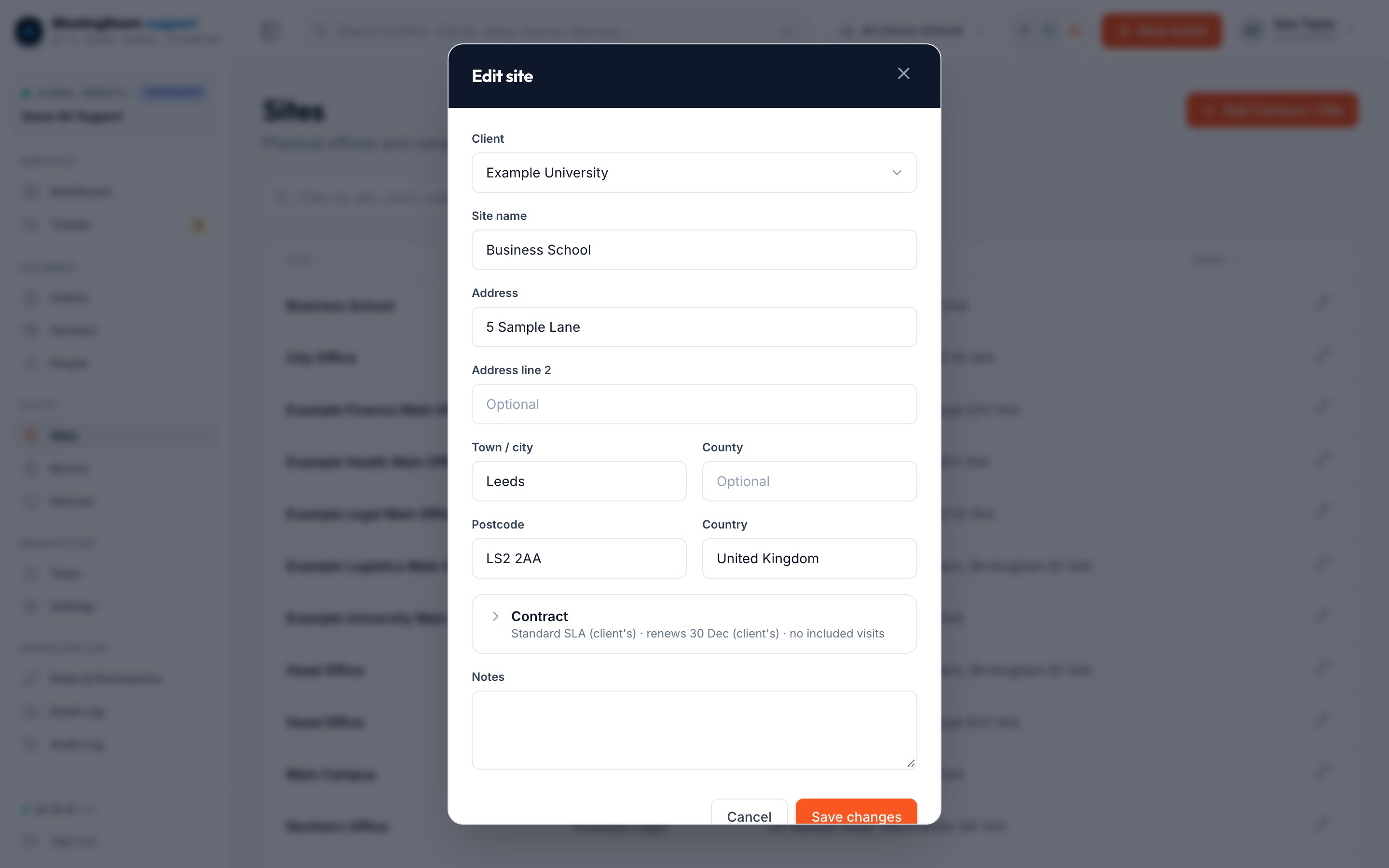
Logging visits against these is covered in Site visits.
Clients and partners see a site’s included visits and the visits logged, but not which SLA policy it uses.