

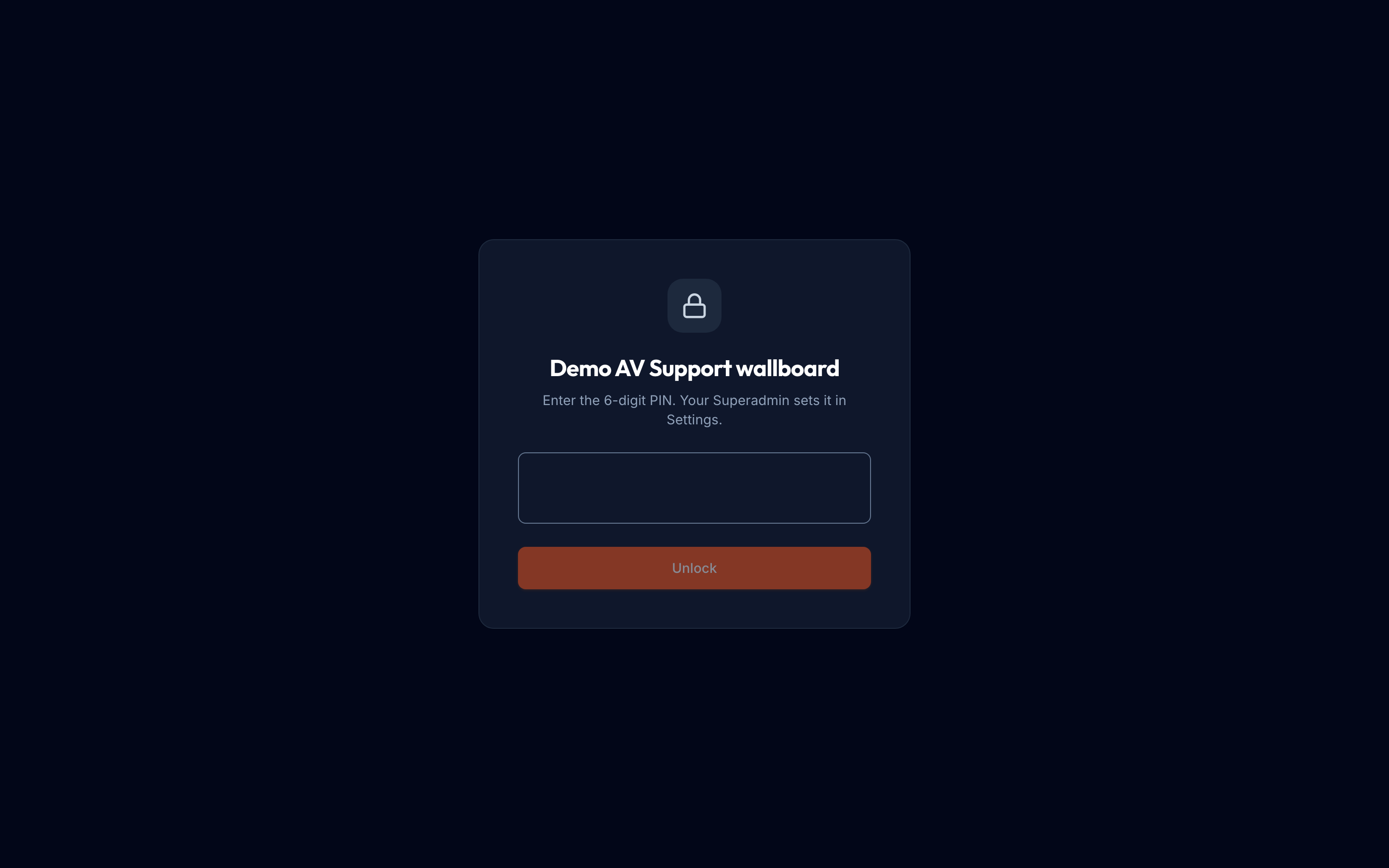
/wallboard, such as acme.meetingroom.support/wallboard. Nobody signs in on it: it’s unlocked with a PIN. It’s included on some plans.
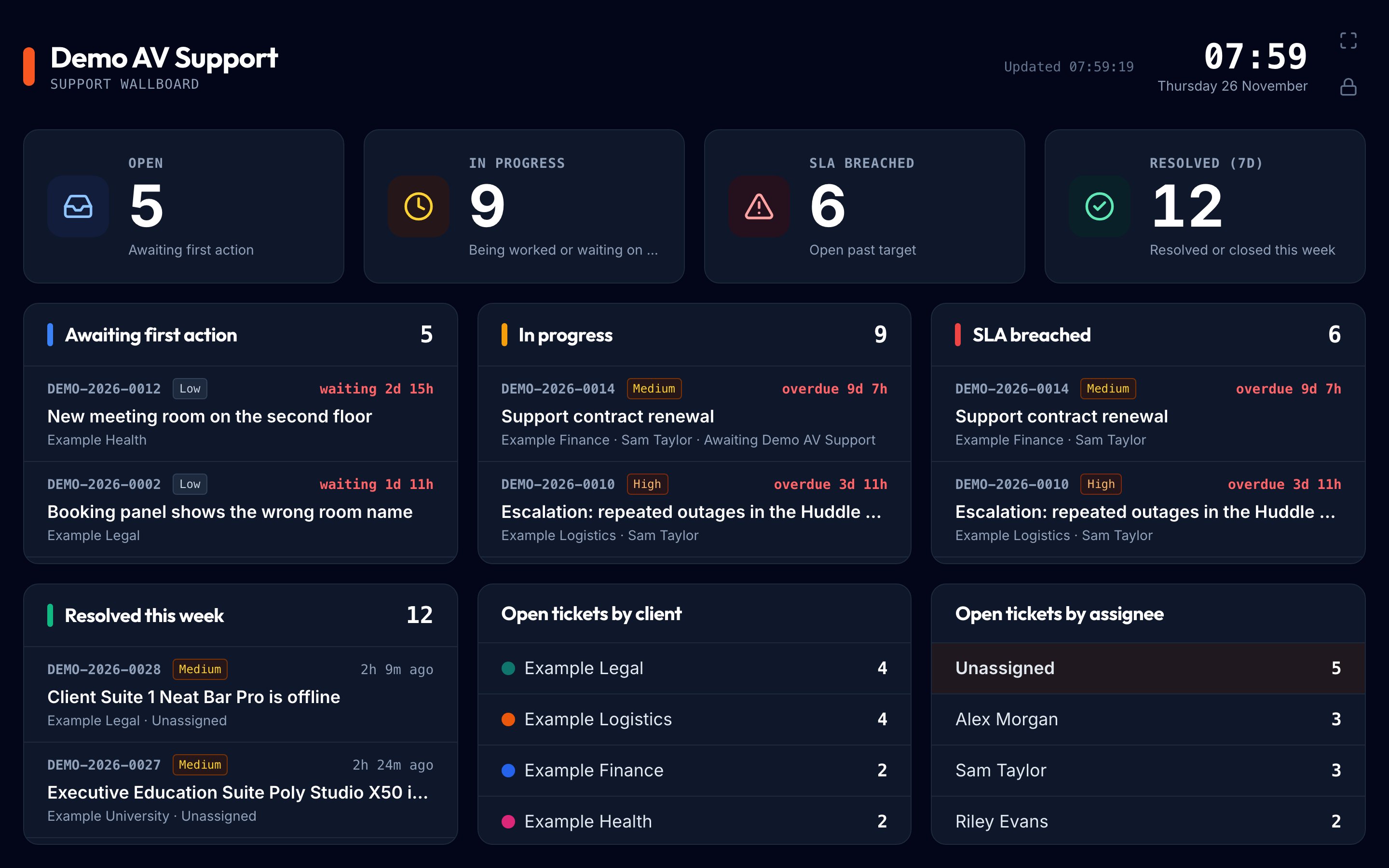
What it shows
The headline figures match the dashboard. It refreshes every 30 seconds.
When a new ticket arrives, a card covers the screen for 45 seconds with its number, priority, subject and client, coloured by priority. There’s no sound.
The wallboard shows ticket numbers, subjects, priorities, client names and who is working on what. It never shows descriptions or requester email addresses. Anyone who can see the screen, or knows the PIN, sees that much, so think about where it hangs.
Setting it up
- As a Superadmin, open Settings, Organisation, and scroll to the Wallboard card.
- Tick Wallboard turned on and enter a 6-digit New PIN. Easy PINs like 000000 or 123456 are refused. Select Save wallboard.
- On the wall computer, open the wallboard address and enter the PIN.
- Use the full-screen button in the top right.