

A client can have all three connected at once. Device monitoring is an add-on on some plans.
Putting devices in rooms
Devices brought in from a platform start on the Unassociated Devices tab of the Devices page, for the support team and the client’s User Manager (with Put platform devices in rooms).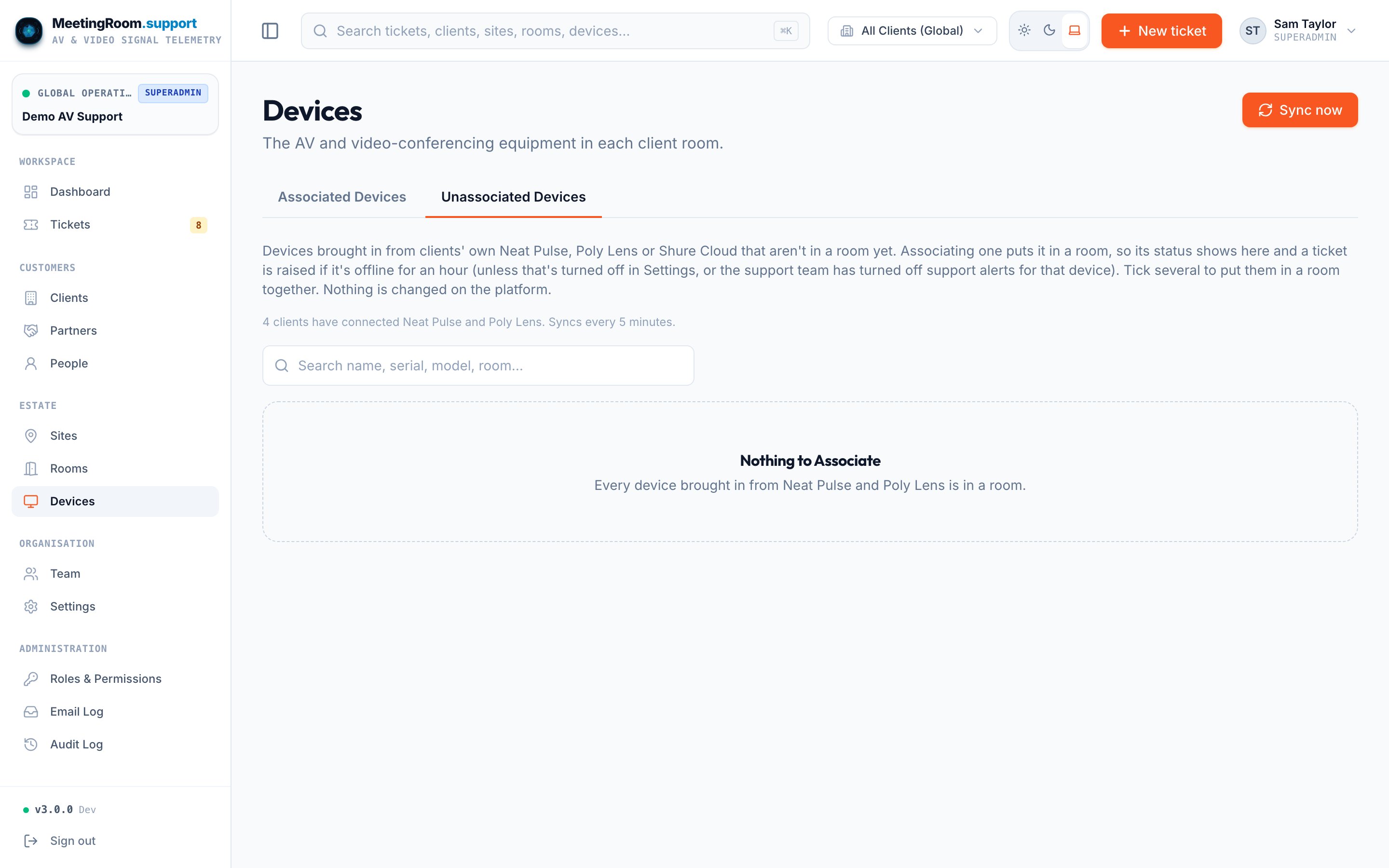
- Associate puts one device in one of that client’s rooms, either as a new device in the register (make, model, serial and firmware filled in from the platform) or linked to a device that’s already in the register.
- To do several at once, tick them and choose a room in the bar above the table. Each is added to the register as a new device, named from the platform, with its type guessed from the model.
- Sync now checks the platforms straight away rather than waiting for the next five-minute check.
Offline tickets
When a device in a room has been offline for an hour, the portal raises a Medium priority ticket for the client, on that device, from “Device monitor”. The support team is notified; the client isn’t emailed.- If the device comes back while the ticket is still Open, an internal note says so and the ticket is set to Resolved.
- If someone has already moved the ticket on (In Progress, an engineer visit booked, waiting on a vendor), it only gets the note.
- If the device drops again while the ticket is still open, that’s another internal note rather than a new ticket.
Turning alerts off
Two ways, for two different needs:
A device with support alerts off is still checked and still shows online or offline on its own row, but it isn’t counted in Offline now or in the client’s offline count, and no ticket is raised for it. A ticket already open stays open. Clients see whether support alerts are on, but can’t change them.