

New emails
When an email arrives:- The portal matches the sender’s email domain to a client (see Clients). A known domain puts the ticket straight onto that client.
- The subject becomes the ticket subject and the body becomes the description. Attachments come with it. The ticket starts as an Incident.
- Everyone else on the email’s To and Cc lines is copied in on later replies.
- The sender gets an acknowledgement email with the ticket number. Automated mail, such as out-of-office replies and device alerts, still becomes a ticket but isn’t answered.
- The support team is notified of the new ticket.
Checking the sender
Anyone can put any address in the From line of an email. Before trusting it, the portal checks that the sender’s own email domain vouches for the message (the same DMARC check mail providers use). If the check fails, the email still becomes a ticket, so nothing real is lost, but it’s treated as coming from an unknown sender: it isn’t added to the ticket it quotes, isn’t matched to a client, isn’t acknowledged, and nobody it copies in is added. The description starts with a warning to confirm with the sender another way. If the email turns out to be genuine, merge it into the right ticket. The Email log shows the result of the check for every email.Replies by email
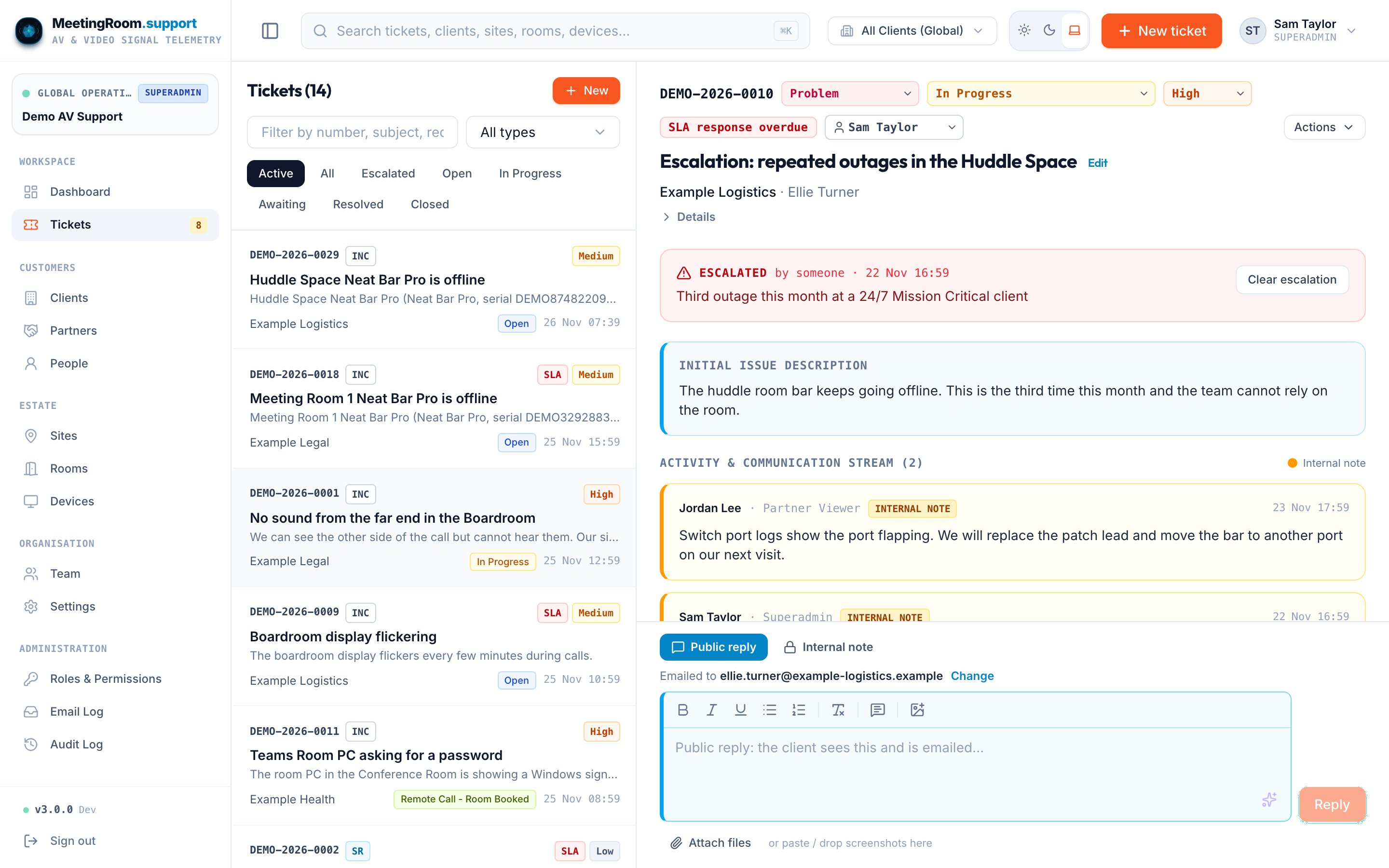
Replies from the support team are emailed to the requester with the ticket number in the subject, for exampleRe: Boardroom display flickering [ACME-2026-0002]. When the customer replies to that email, the reply is added to the same ticket. Earlier messages quoted underneath are tucked away under Show earlier messages, so the ticket stays readable.
A reply to a Closed ticket opens a new follow-up ticket, linked to the old one, rather than reopening it.