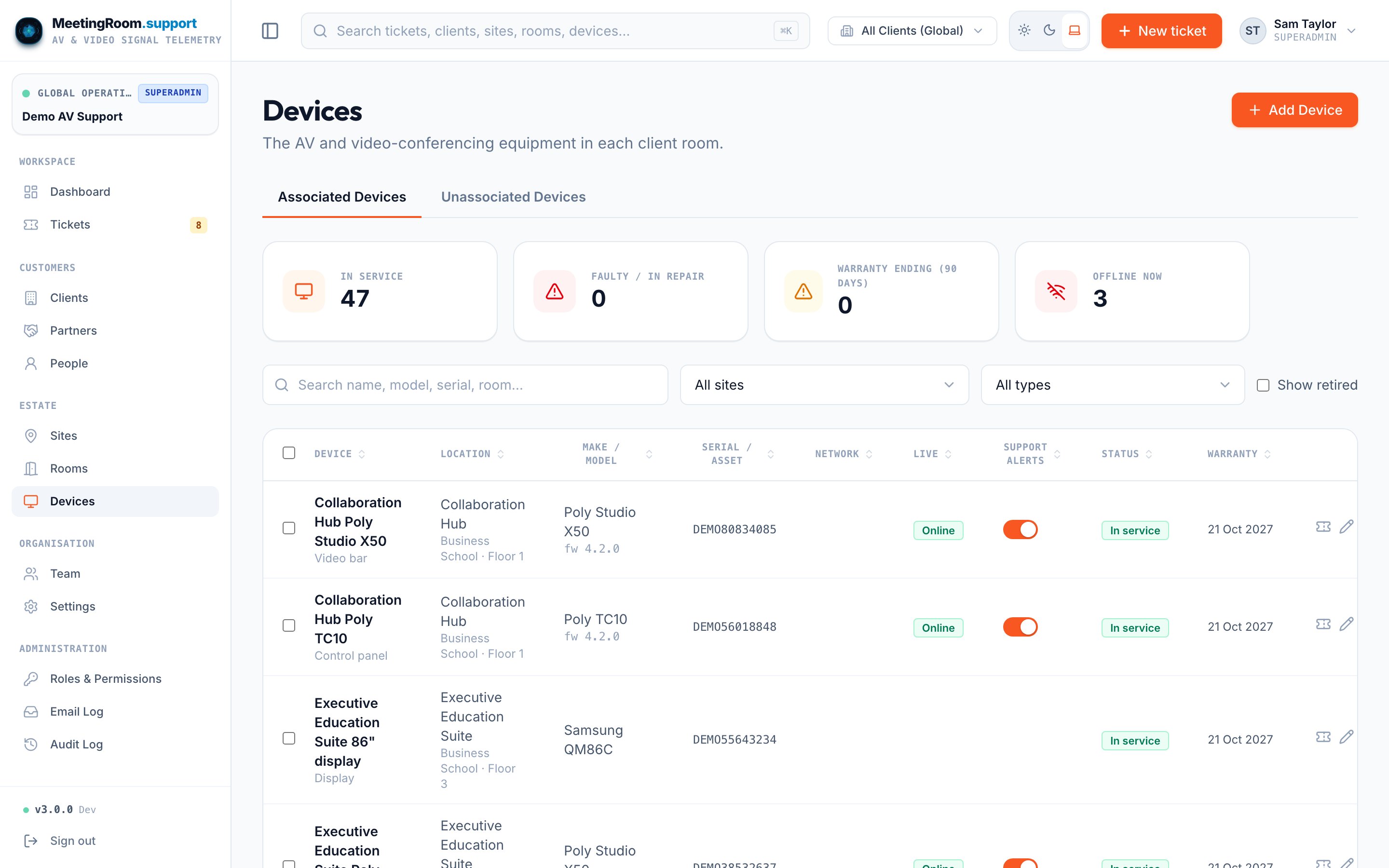
The figures
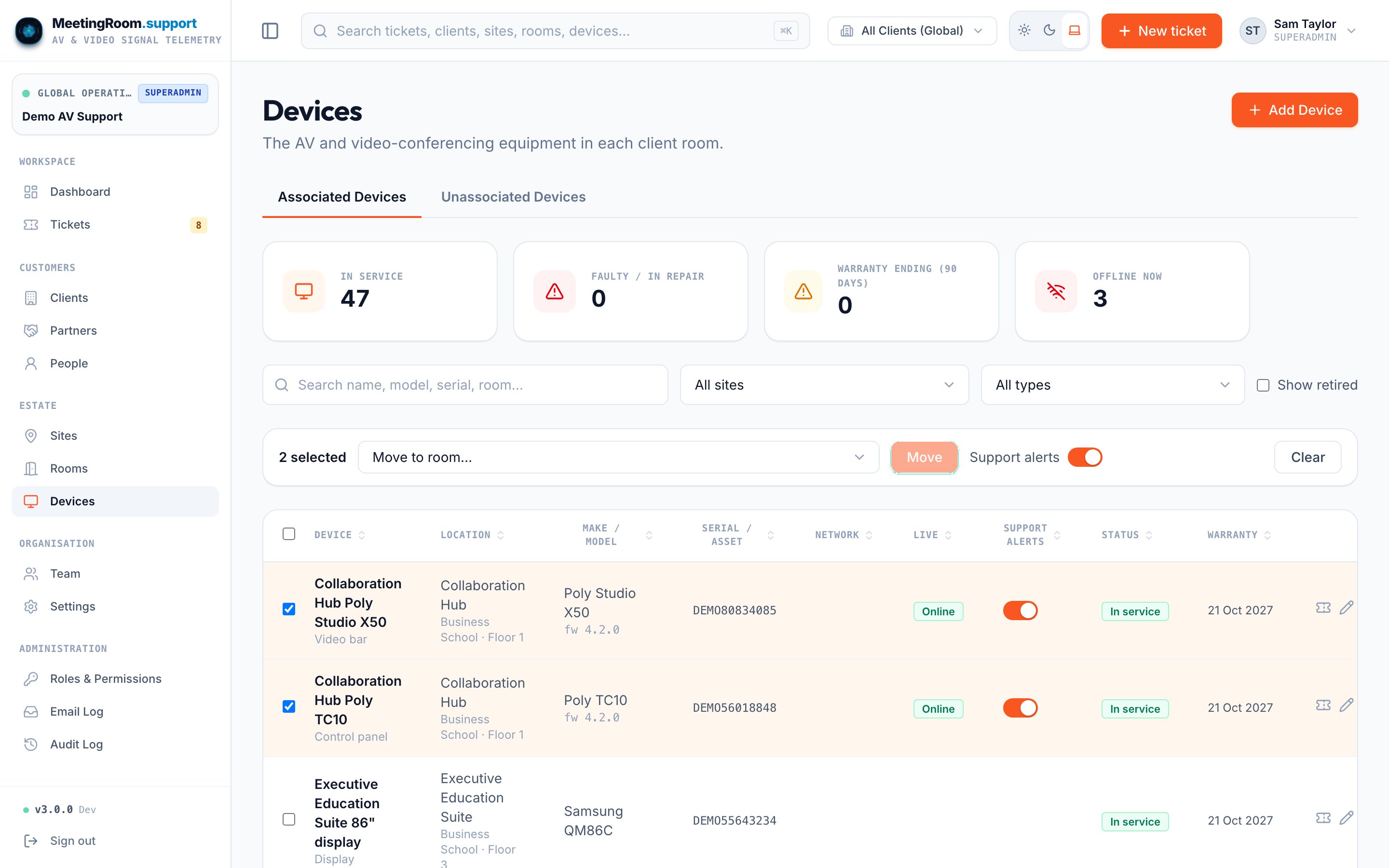
Search by name, model, serial or room, filter by site and by type, and tick Show retired to include devices that have been taken out of service. Select a column heading to sort by it.
Adding a device
Select Add Device.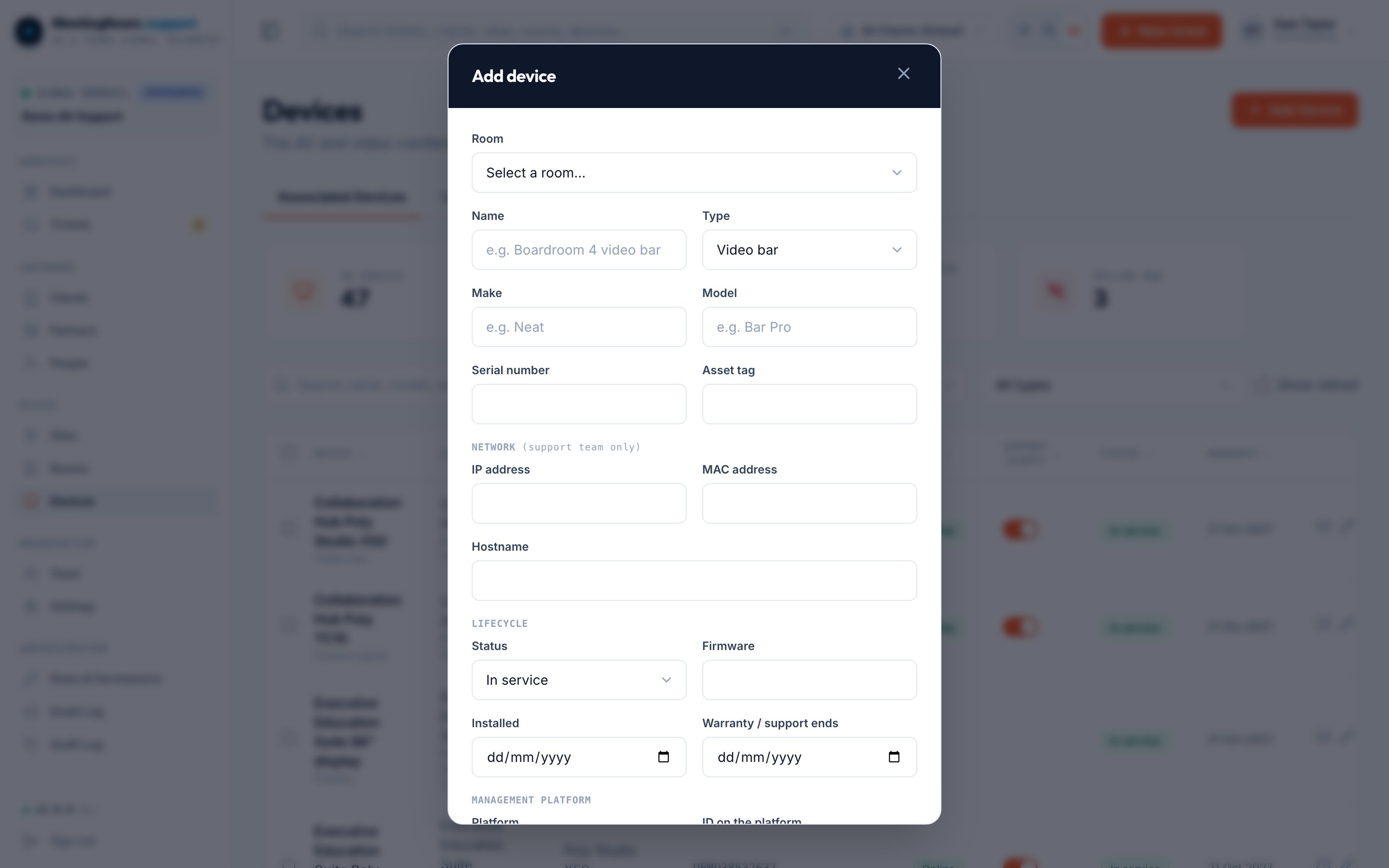
Network details are only ever shown to the support team. Clients and partners see the device, but not its network details.
Moving several devices at once
Tick the devices on the Associated Devices tab (all from one client). A bar appears above the table: choose Move to room… and select Move. You need Manage client devices.