

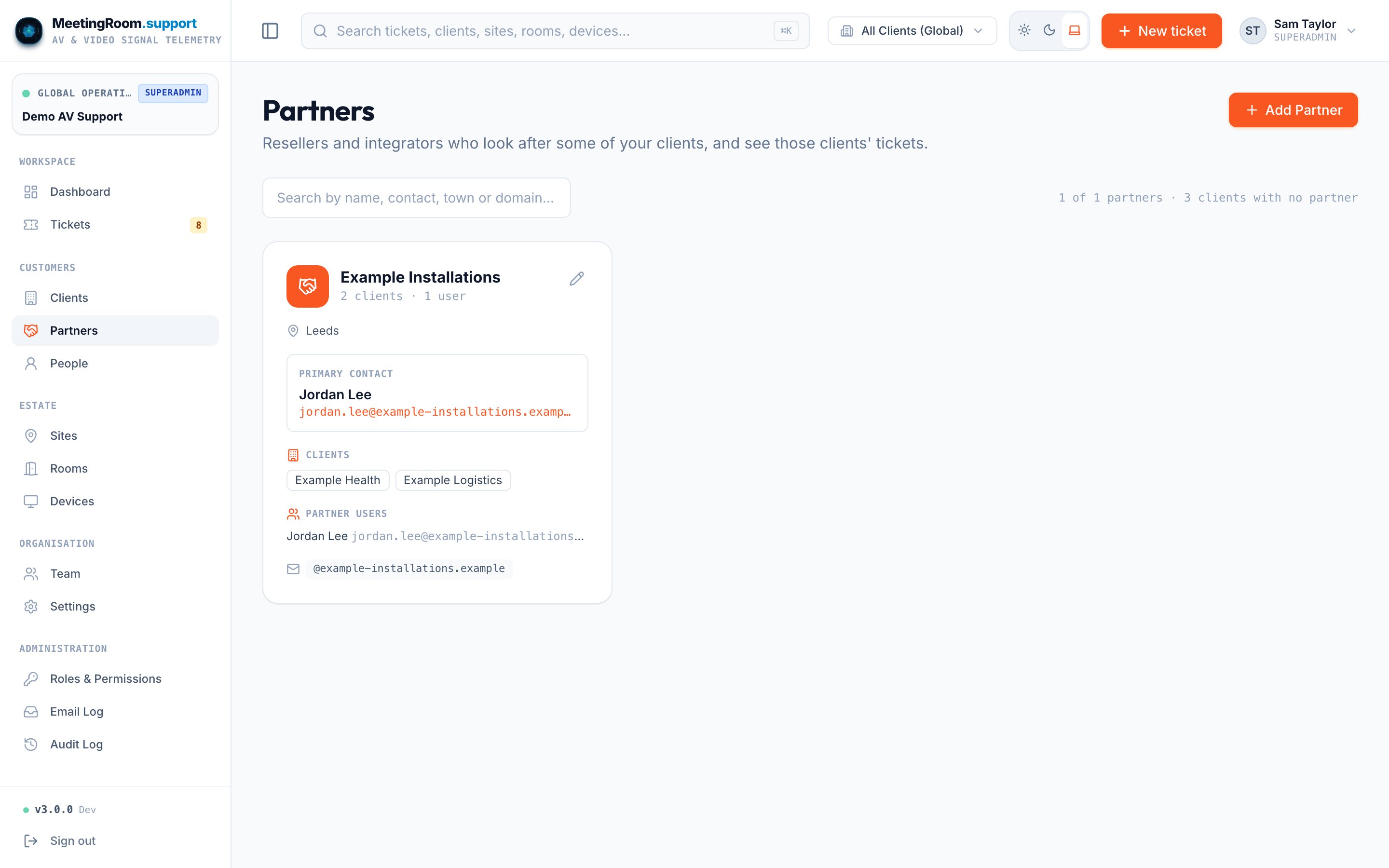
Open Partners in the sidebar, under Customers. Only the support team sees this page, and only on plans that include partners (see Plans). The Partners page showing Example Installations with its clients and users Each partner card shows its contact details, the clients it looks after, its users and its email domains. The line above the cards says how many clients have no partner.

Adding a partner

Select Add Partner and fill in the name, contact details, address and email domains. Partners are linked to clients from the client’s side: open the client on Clients and choose the Servicing partner. Partner users are added on the People page. Select a client’s name on a partner’s card to open that client’s page.

What partner users can do

Partner users see the tickets, sites, rooms and devices of the clients they look after, and nothing else. What they can do with those tickets depends on their role. The default Partner Viewer role can read tickets and write internal notes, but can’t reply to the client or change the ticket. See Using the portal as a partner. A partner can’t be deleted while it still has clients or users.